Build a Kakobuy Product Discovery Archive
Build a Kakobuy Product Discovery Archive
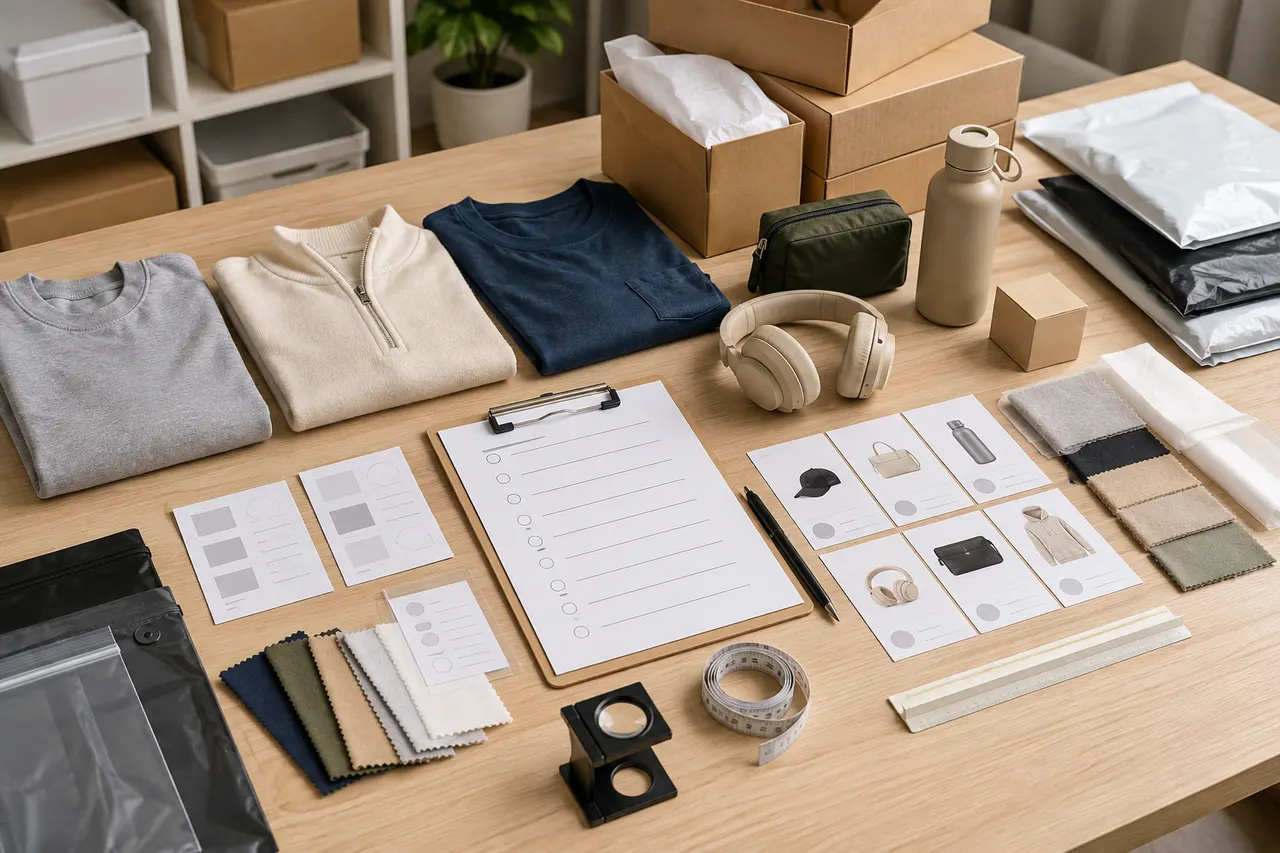
This article addresses a very specific problem: before placing an order on kakobuy, buyers often mix product links, colors, sizes, seller notes, quality inspection requirements, and backup options across chat history or browser bookmarks. By the time they need to pay, receive items in the warehouse, or request additional photos, it's already hard to confirm why they chose a particular item, what information is still missing, and which candidates should be abandoned.
A more reliable approach is to first create a "product discovery archive." It is not a shopping list or a final order sheet, but a reviewable record of candidates: why each item entered the candidacy, what information is missing, whether it is suitable for purchase through kakobuy as a proxy, and what to inspect during warehouse quality checks. All of this should be re-examinable before placing an order.
As of September 6, 2026, this article only explains how to organize information based on the provided kakobuy platform materials, and does not claim to have actually purchased, received, or tested any specific products. Prices, inventory, seller pages, route costs, return windows, and platform policies may change. Before formal ordering, always refer to the current information on kakobuykakobuy.net and the original product pages. 🧾
First define the purchasing task that this discovery archive will serve
A useful discovery archive should not start with the "product name" in the first line, but rather clearly state the purchasing task. For example:
I am looking for a black hoodie suitable for daily wear, with a budget of up to 300 RMB including product price and mainland China shipping. I prioritize items with clear size charts, clear real-life color photos, and the ability to confirm major appearance issues through QC photos after warehouse arrival.
The benefit of writing this down is that each subsequent candidate can be evaluated against the same task, rather than saving every link you see. For cross-border proxy shopping, the real mistakes often come not from "not finding products," but from having too many candidates, loose criteria, and unrecorded information gaps.
This type of archive is suitable for the following scenarios:
You are comparing similar products from multiple Chinese e-commerce platforms or sellers.
You need to use kakobuy for proxy purchasing, warehouse inspection, and international shipping.
You are worried about entering the wrong color, size, model, accessories, or seller notes when ordering.
You want to quickly decide whether to accept, request additional photos, return/exchange, or abandon after QC photos arrive.
It is not ideal for simple purchases where you already know the SKU, size, and color, and just need to copy the link to order directly. It also cannot replace real-time verification of seller pages and kakobuy backend information.
The information boundaries of kakobuy in product discovery, proxy purchasing, and quality inspection
kakobuy's platform positioning is as a Chinese product proxy buyer, freight forwarder, and quality inspection service. In other words, buyers usually first discover products on Chinese e-commerce platforms, then use kakobuy to complete proxy purchasing, warehouse arrival inspection, storage, consolidated shipping, and international logistics.
When building the archive, you need to separate what kakobuy can help with from what it cannot judge for you.
kakobuy can be used to organize information related to the proxy purchasing and warehouse stages, such as product links, color and size notes, appearance inspection after warehouse arrival, logistics route selection, customs declaration information, and after-sales communication. According to the provided platform materials, kakobuy's quality inspection mainly focuses on appearance information such as style, quantity, color, size, and model, and also conducts prohibited items screening. For some products with sealed packaging or sealing labels, they usually do not open the packaging for inspection; instead, they check whether the outer packaging is damaged and determine if there are errors based on the outer packaging information.
However, the discovery archive must not treat kakobuy as a "guarantee of authenticity" or "quality assurance." Whether the product is genuine, whether the material matches the seller's description, whether the size fits your body measurements, whether inventory still exists, and whether final taxes and customs clearance requirements apply to your country all need to be verified again before ordering. In particular, price, inventory, shipping costs, and taxes are highly volatile information and should not be judged solely based on old screenshots or old spreadsheets. ⚠️
It is recommended to add a separate "Verification Date" column in the archive. If a candidate's price or inventory was seen on September 6, 2026, write down that date; if several days pass before ordering, reopen the original page to reconfirm.
What fields to keep when recording candidate products
The core goal of the discovery archive is to enable you to look back and still know each candidate's source, status, and risks. The fields don't need to be many, but they must support next-step actions.
Field | Suggested recording method | Purpose |
|---|---|---|
Candidate ID | Fixed IDs like KKB-001, KKB-002 | To correspond with notes, QC issues, and orders |
Product source | Original product page name or platform name | To refer back to seller page and avoid confusion with similar items |
Product link | Save original product URL separately | To re-verify price, inventory, and options before ordering |
Target style | Briefly describe category and purpose | To judge if it meets the purchasing task |
Price and currency | Write amount, currency, verification date | To avoid old prices being mistaken as current |
Mainland China shipping | Record if shown on page; leave blank if unknown | Part of product cost calculation |
Color/size/specification | Split into separate columns, not in one cell | To reduce errors in order notes |
Unconfirmed questions | Record as questions | To handle before ordering or after warehouse arrival |
Current status | Pending review, ready to order, abandon, purchased | To prevent duplicate purchases or accidental deletion |
Do not write conclusions like "looks good quality," "should be in stock," or "likely can return" unless clearly supported by the page or platform materials. Better phrasing: "Page has size chart, but shoulder width measurement method not confirmed," "Stock shows available, but need to re-verify before ordering," "Need to check zipper and stitching after warehouse arrival."
This style is not fancy, but it is actionable.
Organize specifications, colors, sizes, and notes separately
Many proxy shopping errors stem from a small issue: buyers put all options in one sentence. For example, "Black M thick version classic no box." A human can understand this, but when it comes to ordering, notes, warehouse inspection, or after-sales communication, it is hard to determine which word belongs to color, size, version, packaging, or personal preference.
It is recommended to split the information into these columns:
Color: Only write the page option name, such as Black, Gray, Off-white.
Size: Only write the page size option, such as M, L, 42, One size.
Version/model: Record differences like Standard, Thick, Pro, Set, etc.
Quantity: Write the purchase quantity separately.
Seller note: Write what the seller should ship according to which option.
Warehouse note: Write what you want kakobuy to inspect or take additional photos of after arrival.
Uncertain items: Any unconfirmed points should not be merged into official notes.
For clothing, it is best to add a "Reference Data" column next to size, such as chest circumference, garment length, shoulder width, and sleeve length. Do not just write "I usually wear L, so I'll buy L." Different sellers may have different sizing systems, and international buyers may also encounter mixed Asian, European, and US sizes.
For shoes, record the shoe size system, foot length, insole length description, and whether the sizing runs large or small. Do not just record "US 9" or "42," because the page may show multiple size systems simultaneously.
For electronics or beauty products, pay special attention to route restrictions. According to provided materials, kakobuy has dedicated lines for beauty and electronics, and cooperates with logistics services such as UPS, EMS, and DHL, with some duty-free routes included. However, whether a specific product can be shipped via a particular route, the cost, and any destination country restrictions need to be reconfirmed before actual shipping. 📦
Reserve QC focus points and additional photo requests for each candidate
The most easily overlooked column in a discovery archive is the QC focus points. Many buyers only start thinking "what should I look at" after the item arrives at the warehouse and they see the photos. A better approach is to clarify at the discovery stage: if this candidate is actually purchased, what appearance information must be confirmed after arrival.
QC focus points can be written as follows:
Clothing: Whether color matches selected option, whether size label is correct, whether front/back prints are complete, and whether obvious stains, holes, or stitching issues are visible.
Shoes: Whether left and right are same style and size, whether shoe box labels correspond, whether uppers have obvious creases, glue marks, or color differences, and whether soles have abnormal wear.
Bags: Color, size, hardware color, number of straps, zippers, and obvious scratches.
Accessories: Quantity, model, color, packaging labels, and obvious damage.
Sealed products: Whether outer packaging is damaged, whether label information matches the order options; do not assume the warehouse will open the packaging to check the inside.
Additional photo requests should be written as specific requests, not "take more photos." For example:
Please take a close-up of the size label.
Please take photos of the shoe box side label and tongue label.
Please take a photo of the front print edge to check for cracking.
Please take a photo of the model and capacity on the back of the packaging.
The value of doing this is that when QC photos arrive, you don't have to go back to the product page to guess what you were worried about. You just check item by item: confirmed, still unclear, need additional photos, need return/exchange.
Use a status column to distinguish pending review, ready to order, abandon, and purchased
A discovery archive is not a favorites folder. A favorites folder only grows longer; an archive must help you make choices. Therefore, each candidate should have a status column.
It is recommended to use four statuses:
Pending review: Information is insufficient. For example, no size chart, unclear color photos, unknown shipping cost, confusing option names, or unable to confirm inventory on seller page.
Ready to order: Core information has been verified, color, size, specification, cost composition, and QC focus points can all be clearly written, and it is ready to enter the kakobuy proxy purchasing process.
Abandon: There are clear risks or it does not meet the task goals. For example, price over budget, specification mismatch, insufficient page information, suspected inability to use target logistics route, or unsuitable return/exchange conditions.
Purchased: Already ordered through kakobuy or entered the subsequent process. At this point, do not mix it with candidates; move it to order tracking or warehouse management records.
The status column works best with a "Next Action" column. For example:
Pending review: Re-verify color photos on product page.
Pending review: Confirm if mainland China shipping is charged separately.
Ready to order: Copy color and size to order notes.
Abandon: Insufficient size information, not suitable for purchase.
Purchased: Wait for warehouse QC, focusing on cuffs and size label.
This reduces a common mistake: having many candidates but none that can actually move to ordering.
Avoid fabricating price, quality, and inventory conclusions
The most important discipline of a product discovery archive is not to invent answers for blank information. Blank is blank, unknown is unknown.
Do not write "good quality" just because product images are clear. Images only help observe visible appearance; they cannot prove material, durability, workmanship consistency, or seller shipping consistency. Do not assume stock still exists just because the page could be opened before. Do not assume a logistics route is still cheap because it was cheap in the past.
According to the provided kakobuy materials, the fee structure can be broken down into product cost, international shipping, and customs declaration fee. Product cost includes item price and mainland China shipping; international shipping is calculated based on item weight, shipping method, and region; customs declaration fee is usually related to the shipping method, with a common amount given in the materials as 8 RMB. This structure can be written into the archive, but final amounts must be reconfirmed at actual order, warehouse weighing, and route selection.
Similarly, the provided materials show that kakobuy's free storage period is 100 days, the abnormal package period is 60 days, and within 120 hours after warehouse arrival, some products are eligible for a 5-day no-reason return/exchange service. However, this may not apply to custom items, restricted items, adult products, intimate clothing, food, and products where the warehouse has been asked to remove packaging, tags, accessories, etc. The discovery archive can remind you to pay attention to return windows, but it cannot replace order page or customer service confirmation.
If these expressions appear in your archive, it is recommended to change them:
"Definitely in stock" → "Inventory needs to be re-verified before ordering."
"Quality is very good" → "Page images show clear stitching areas; need to see QC close-ups after warehouse arrival."
"Shipping is very cheap" → "International shipping needs to be calculated based on warehouse weight, volume, and destination."
"Can return" → "Need to confirm eligibility for return/exchange within the return window after warehouse arrival."
This step may seem conservative, but it significantly reduces after-sales disputes and misplaced expectations. ✅
Use a review checklist to decide next step: order or continue searching
When a candidate is about to enter kakobuy ordering, the final question should not be just "Do I like it?" but rather use a review checklist to determine if it is clear enough.
Before ordering, check item by item:
Product link still works, page has clear product name and visible options.
Color, size, model, quantity have been recorded separately.
Product price, mainland China shipping, and currency have verification dates.
Purchase notes do not include unconfirmed information.
QC focus points are written as actionable check items.
For sealed products, no unrealistic request for warehouse to open packaging.
No casual request to remove packaging, tags, accessories that may affect returns.
Estimated international logistics route, restrictions, and costs still need reconfirmation before shipping.
Destination country customs, taxes, and import restrictions have not been ignored.
Candidate status has been updated from pending review to ready to order, abandon, or purchased.
If most of the above cannot be confirmed, the next step is not to force an order, but to continue searching for clearer products, contact platform customer service, or mark the candidate as abandon.
If the information is sufficient, the discovery archive has done its job: you can accurately transfer color, size, specification, and notes to the kakobuy ordering process, and after warehouse arrival, inspect photos according to the preset QC focus points. Later, if you need to consolidate packages, choose logistics, handle customs, or deal with after-sales, you can refer back to this archive to see the original decision basis.
In summary, a product discovery archive cannot tell you that a product is "absolutely worth buying," but it helps you avoid three high-frequency errors: messy links and options, QC requirements written on the fly, and judging price and stock from memory. For kakobuy buyers who need to compare multiple candidates, the value of this checklist lies in turning impulsive browsing into reviewable purchasing decisions. 🛒
Agent Platform Shopping FAQ
1. What types of products can be found in kakobuy's spreadsheet?
kakobuy's spreadsheet covers shoes, clothing, bags, accessories, jerseys, perfumes, hats, scarves, belts, and various household items.
2. How should I review kakobuy's QC photos?
When reviewing the QC photos provided by kakobuy, focus on the specific features of the purchased product. For example, for shoes, pay attention to key areas like the toe, heel, and tongue, checking stitching, shoe shape, and tongue thickness to determine if it is a quality shoe. For clothing, check details such as neck labels, logo embroidery, fabric, and the smoothness of collars and cuffs.
Browse our latest products and find your next favorite item.